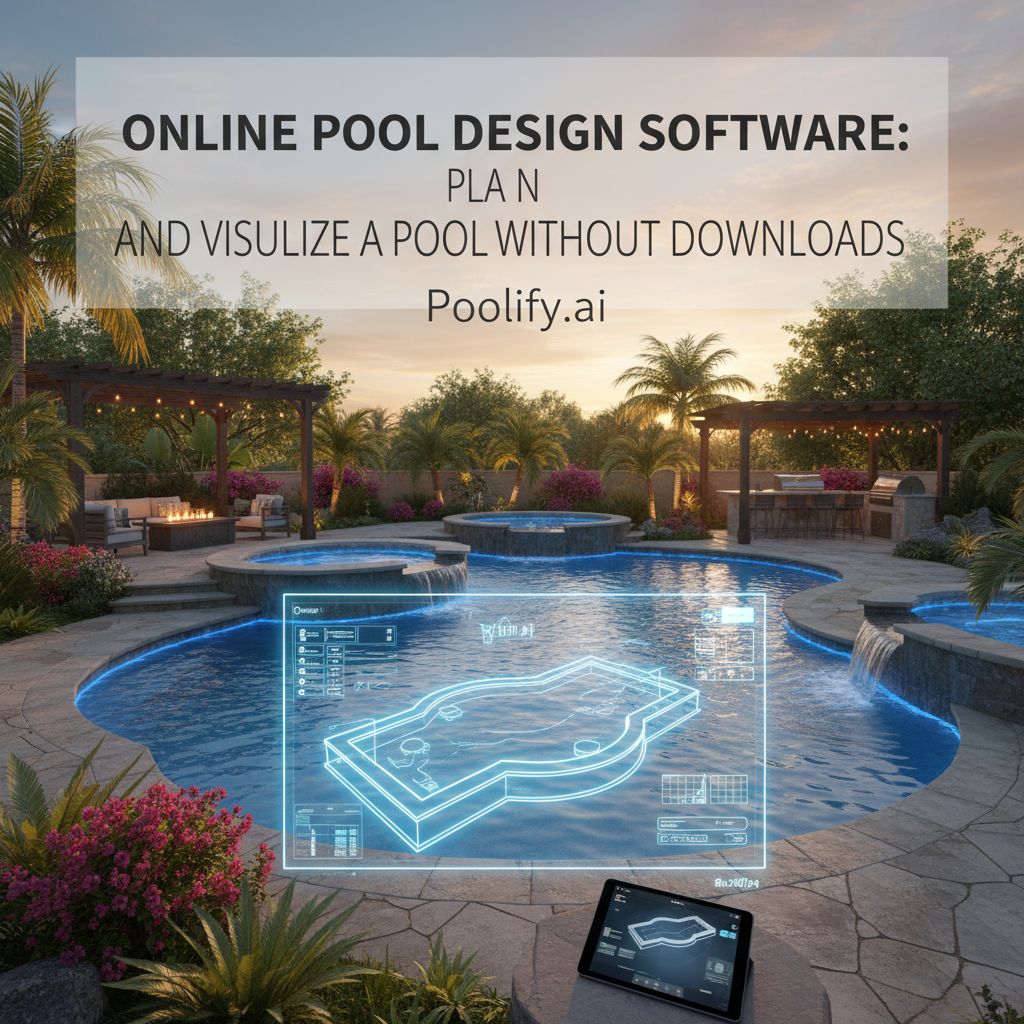
Online pool design software lets you sketch, place, and resize a pool inside a web browser, with nothing to install. Instead of learning a professional drafting program or scrolling through inspiration photos that were taken in someone else’s yard, you work from your own backyard and see the result in minutes. That makes it the most practical starting point for homeowners who are still deciding what kind of pool they want, and whether it fits at all.
This guide covers what browser-based pool designers do, how they compare with downloadable programs, what to measure before you open one, how to keep the scale honest, and where these tools stop being useful. The focus here is the visualizer itself: the no-download, photo-based kind of tool most people mean when they search for a way to design a pool online.
What Is Online Pool Design Software?
It is a browser-based tool for exploring pool layout, placement, size, and shape. Everything runs on a website, so the same design opens on a desktop, a tablet, or a phone standing in the yard.
Homeowners typically use it to:
- Visualize a pool in a real backyard
- Test placement and layout ideas
- Compare pool sizes and shapes
- Refine designs before contacting builders
The point is speed and visual clarity, not engineering detail.
How a Browser-Based Pool Visualizer Works
Most photo-based pool designers follow the same basic loop, whatever the brand:
- Start from your yard. You upload a photo of the backyard, or in some tools trace the yard outline on a simple grid.
- Place a pool. The tool drops a pool shape into the image, either one you pick or one it generates for you.
- Adjust. You change the shape, size, position, finish, and surrounding decking, then look again.
- Compare and save. You keep several versions side by side and save or download the ones worth discussing.
Because each pass takes minutes rather than days, you can try ideas you would never pay a designer to draw, including the ones you expect to reject. Rejecting a layout on screen is the cheapest rejection you will ever make.
Why Homeowners Prefer Online Pool Design Tools
The appeal is mostly about removing friction. Compared with traditional software, a browser tool offers:
- No installation or setup
- Immediate access
- An easier learning curve
- Faster iteration and experimentation
For first-time pool planners, accessibility matters more than technical depth.
Online Pool Design Software vs Downloaded Programs
Downloaded pool and landscape programs are built for depth: precise dimensions, construction views, and detailed material schedules. That depth comes with installation, updates, hardware requirements, and a real learning curve. Browser tools trade that depth for speed.
| Browser-based visualizer | Downloaded design program | |
|---|---|---|
| Setup | Open a web page | Install, update, check hardware |
| Starting point | A photo of your own yard | A blank plan or a template |
| Learning curve | Minutes | Hours to days |
| Best for | Deciding what fits and what you like | Detailed plans once the concept is settled |
| Output | Images to compare and share | Scaled drawings and plan views |
For early-stage design, the browser tool is usually the more practical choice. Detailed drawings come later, and they usually come from your builder or designer.
What to Gather Before You Design a Pool Online
A visualizer can only be as realistic as what you feed it. Ten minutes of preparation makes every design you produce more trustworthy:
- Yard measurements. Measure the usable width and depth of the yard, and the distance from the house to the back fence.
- Several photos. Shoot the yard from the back door, from an upstairs window if you have one, and from the far corner. Photos taken at the time of day you expect to swim also show where shade falls.
- Your property survey or plat. It shows property lines and any easements, which are areas you usually cannot build over.
- Known obstacles. Note the septic field, overhead lines, large trees, slopes, and where downspouts drain.
- Local rules. Setback distances from property lines and the house vary by town, and some HOAs add their own limits. A quick call to the building department gives you the numbers to design inside.
Mark the setback lines on your photo or sketch before you place a single pool. It stops you from falling in love with a layout that can never be permitted.
Online Pool Design Software for Backyard Planning
The biggest advantage of designing online is that you work from real backyard conditions instead of an idealized template. Seeing a pool placed in your own yard helps you:
- See how a pool fits near the house
- Understand spacing and circulation around the water
- Evaluate how much yard is left for play, lawn, or seating
- Identify layout issues early
Small yards benefit most. When space is tight, a visual check prevents oversized designs, preserves walkways and seating areas, and keeps the yard from feeling like a pool with a fence around it.
Keeping the Scale Honest in a Photo-Based Design
The most common mistake with any backyard pool visualizer is trusting a pool that looks right but is the wrong size. A photo flattens distance, and a wide-angle phone lens can make a yard look deeper than it is. A few habits keep the picture honest:
- Include something of known size in the photo, such as a patio table, a standard door, or a tape measure laid on the lawn.
- Shoot from standing height and avoid the ultra-wide lens setting.
- Check with a physical layout. Once you like a design, mark its outline on the lawn with a garden hose or stakes and string, then walk around it.
- Remember the decking. The water is only part of the footprint. Coping, decking, equipment pad, and fencing all take space too.
Treat the on-screen image as a decision aid, and the hose outline on the grass as the reality check.
How AI Is Improving Online Pool Design Software
AI has changed what a browser tool can do in a short time. AI-powered pool designers can:
- Generate pool layouts automatically
- Place pools directly into backyard photos
- Adjust size, shape, and placement quickly
- Create multiple design options in one session
The result is more options for less effort. The scale habits above still apply: an AI render can look convincing while being a few feet off.
Comparing Options Side by Side
Comparison is where online design earns its keep. In one sitting you can:
- Compare different pool sizes
- Test multiple placements
- Explore shape variations
- Evaluate tradeoffs visually
A useful rule: keep at least three versions, one smaller than you think you want, one at your preferred size, and one larger. Seeing all three in the same yard usually settles the size question faster than any spreadsheet.
Plan the Safety Barrier in the Same Design
Fencing is easy to forget in a pretty render, and it changes how the yard feels. The U.S. Consumer Product Safety Commission’s barrier guidelines for residential pools say the top of a pool barrier should be at least 48 inches above grade, gaps between vertical members should not exceed 4 inches, and gates should have self-closing and self-latching devices[1]. Many local codes set their own requirements, so confirm yours with the building department.
Sketch the fence line and gate position into your design early. A barrier that runs across the middle of the yard reads very differently from one that follows the property line, and it is far cheaper to discover that on screen.
Online Pool Design Software as a Communication Tool
Designs made in a browser are easy to share, which makes the first builder meeting more productive. With a few saved images you can:
- Show visuals to builders
- Explain preferences clearly
- Reduce misunderstandings
- Speed up proposal discussions
Bring your measurements and your hose-outline photo along with the renders. Builders can work with a real dimension far more easily than with an image alone.
What to Look for in Online Pool Design Software
When you compare tools, prioritize usability and realism over feature count (our guide to choosing pool design software goes deeper). Look for:
- An easy, intuitive interface
- Accurate scale and proportions
- The ability to work from real backyard images
- Fast iteration
- Shareable or downloadable designs
- A clear statement of what is free and what requires an account or payment
The best tool is the one that helps you decide, not the one with the longest menu.
What Online Pool Design Software Is Not
A browser visualizer does not replace professionals. It is not:
- A construction drafting tool
- A permit-ready design platform
- A substitute for engineering expertise
- A check on what is buried in your yard
That last point matters. No photo shows buried gas, electric, or water lines. Before any digging starts, contact 811, the free national before-you-dig service, a few business days ahead so the utilities can mark their lines[2].
The tool’s role is to help you plan and visualize before professionals get involved.
When to Use Online Pool Design Software
It is most valuable:
- Early in the planning process
- When exploring layout options
- Before committing to construction
- When visual clarity matters
Changes on screen are free. Changes after excavation are not.
See Your Dream Pool in Your Actual Backyard
Upload a photo of your yard and see a pool designed into it, usually in about a minute. 3 free designs, no account needed.
Try Poolify Free →Online Pool Design Software as a Planning Advantage
Homeowners who settle the concept early tend to arrive at the builder meeting with:
- Fewer open design questions
- A shared picture with the builder from day one
- More confidence in their decisions
- A clearer sense of what they will and will not compromise on
Planning upfront creates smoother execution.
Frequently Asked Questions
Can I design my own swimming pool online?
Yes, at the concept stage. Browser-based tools let you choose a shape and size, place it in a photo of your yard, and compare versions. The final construction drawings, engineering, and permit set still come from your builder or a licensed designer.
Is there free pool design software?
Many online pool designers offer a free tier or a limited number of free designs, with more renders or features behind an account or a subscription. Check what the free version includes, especially whether you can save or download your designs, before you invest time in one.
How accurate is a backyard pool visualizer?
Accurate enough to judge style, placement, and rough proportion. Not accurate enough to build from. Photo angle and lens distortion can make a pool look larger or smaller than it would be, so confirm your favorite design with real measurements and a physical outline on the lawn.
Do I need to download anything to use an online pool designer?
No. That is the main difference from traditional design programs. The tool runs in a web browser on a computer, tablet, or phone, and your designs are saved online or downloaded as images.
Can I give my online design to a pool builder?
Yes, and you should. A saved render plus your yard measurements tells a builder far more than a verbal description. Expect the builder to adjust the design for soil, slope, equipment placement, setbacks, and local code.
Final Thoughts on Online Pool Design Software
Online pool design software gives homeowners a fast, accessible way to explore pool ideas and see them in their own yard before anything is built. Feed it real measurements, keep the scale honest, plan the fence and the setbacks in the same picture, and it will settle most of the big questions before you ever talk to a builder.
Whether you are designing a concept on your own or preparing to work with a professional, a browser-based design is a clear, flexible starting point.
Sources
- U.S. Consumer Product Safety Commission. Safety Barrier Guidelines for Residential Pools (Pub. 362). poolsafely.gov
- 811 Before You Dig. 811 is the free national before-you-dig service. 811beforeyoudig.com
